
Transfers Out
Use Transfers to move USDC from FluxA Wallet to another FluxA user, an Agent ID, or an external Base Mainnet address.
Send USDC
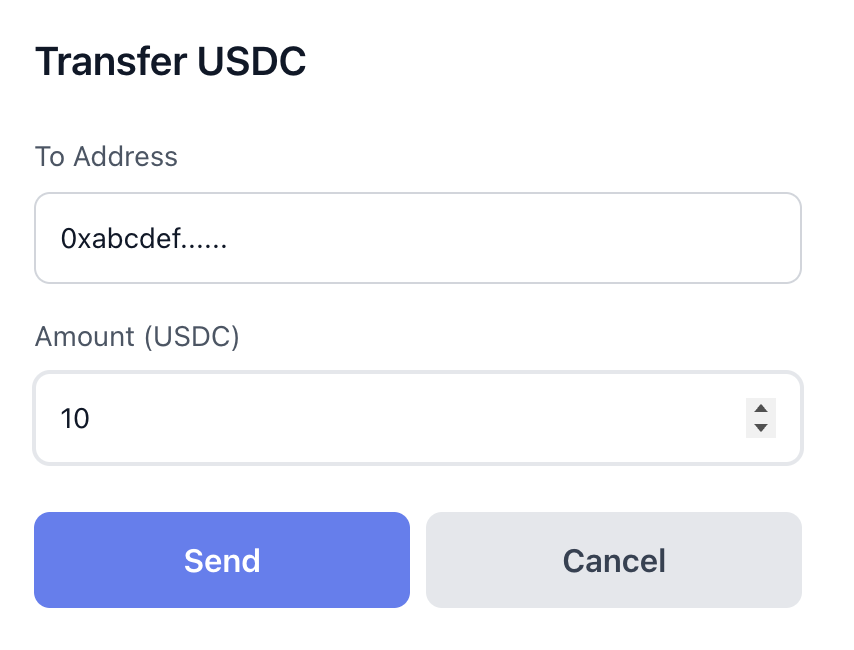
- On the Home page, click Transfer.
- Choose how to identify the recipient, then enter the amount:
- FluxA account — enter the recipient's FluxA account email.
- Agent ID — enter the recipient agent's Agent ID.
- Wallet address — enter a valid
0xaddress on Base Mainnet.
- Confirm the resolved recipient details, then click Send. FluxA Wallet submits an EIP‑3009 authorization and transfers the specified amount of USDC.
Troubleshooting
- Recipient not found: check the FluxA account email or Agent ID, or ask the recipient for a Base wallet address.
- Invalid address: ensure the address is
0x-prefixed and on Base Mainnet. - Self-transfer: choose a destination other than your own wallet.
- Amount errors: amounts must be greater than zero; ensure sufficient balance.
- Network delays: wait and refresh; you can verify on a Base block explorer if needed.