
Buyer Guide
Learn how to integrate and use monetized services in your applications and AI workflows.
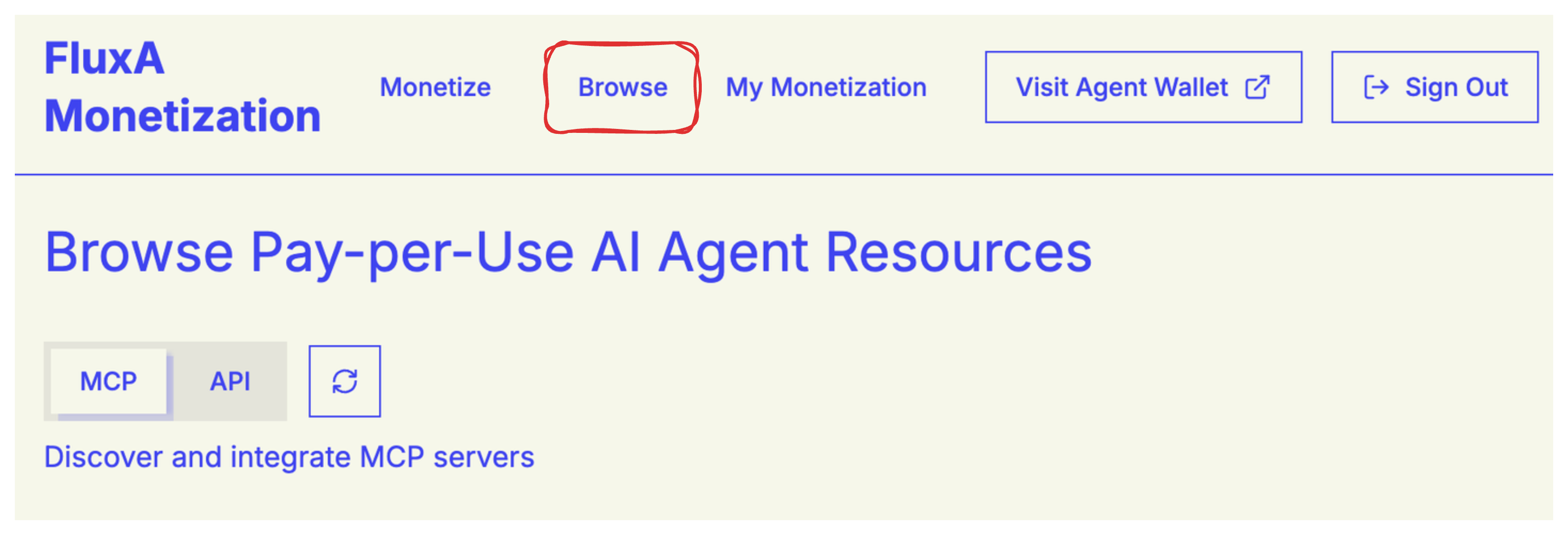
Integration Options
FluxA provides access to two types of monetized services:
MCP Servers
Integrate Model Context Protocol servers to access AI-powered tools and capabilities. Use MCP servers through JSON configuration or programmatic client integration.
Get Started with MCP Integration →
APIs
Access monetized REST APIs with simple agent instructions. Integrate API endpoints into your agent workflows with straightforward curl-based commands.
Get Started with API Integration →
Why Use FluxA?
Pay-Per-Use Model
Only pay for what you use. No upfront costs or monthly subscriptions unless you choose a subscription plan.
Seamless Integration
Multiple integration methods support various platforms including Claude Desktop, Claude Code, Qwen Code, and custom applications.
Transparent Pricing
All pricing is displayed upfront so you can make informed decisions about which services to use.
Usage Tracking
Monitor your usage and costs in real-time through the FluxA dashboard.
Quick Comparison
| Feature | MCP Integration | API Integration |
|---|---|---|
| Best For | AI tools and capabilities | REST API endpoints |
| Integration Methods | JSON config or client library | Agent instructions |
| Platforms | Claude, Qwen, custom apps | Any agent with curl |
| Setup Time | ~2 minutes | ~1 minute |
| Authentication | Handled by FluxA | Handled by FluxA |
Usage and Billing
Once integrated, you can start using services in your workflows.
Number of Invocations
Each time you call a tool or API endpoint, it counts as one invocation. The pricing is per-invocation.
Service-Specific Pricing
Each tool or endpoint has its own price set by the seller. Prices can vary based on the computational cost and value of each service.
Usage Patterns
Your total cost depends on how frequently you use the services and which tools or endpoints you invoke.
Cost Management
Review the pricing on the integration page before using expensive services to manage your costs effectively.
Getting Started
- Browse services - Find MCP servers or APIs that provide the capabilities you need
- Review pricing - Check the cost per invocation for each tool or endpoint
- Follow integration guide - Use our step-by-step guides for MCP or API integration
- Start using - Begin invoking services and track your usage in the dashboard
Ready to integrate? Choose your path: