
Browse and Use APIs
The quickest way to find and use monetized APIs is through the Studio at monetize.fluxapay.xyz.
1. Browse the Marketplace
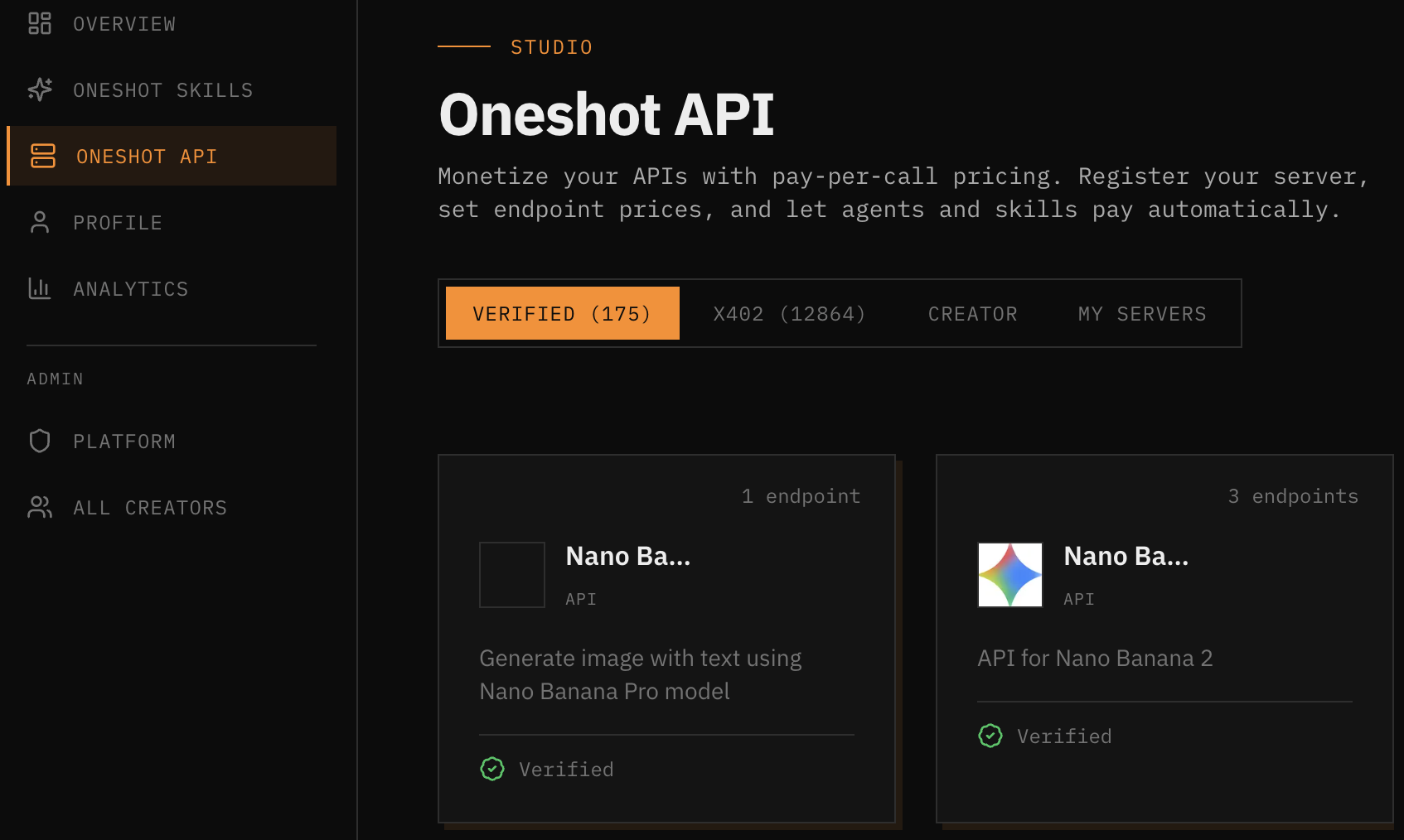
Navigate to Oneshot API in the Studio sidebar. You'll see APIs organized by tabs:
- Verified — Officially reviewed APIs
- x402 — Community-listed x402 endpoints
- Creator — APIs published by individual creators
- My Servers — Your own APIs
2. View API Details
Click any API card to see its full configuration:
- Available endpoints and their HTTP methods
- Pricing per endpoint (in USDC)
- Endpoint descriptions and input schemas
- Integration instructions for your AI agent
3. Copy Agent Instructions
The integration page provides ready-to-use instructions you can paste directly into your AI agent (Claude, GPT-4, Qwen, etc.). These instructions tell the agent how to:
- Install the FluxA Agent Wallet CLI
- Register and authenticate the agent
- Discover available endpoints
- Make paid API calls with automatic x402 payment
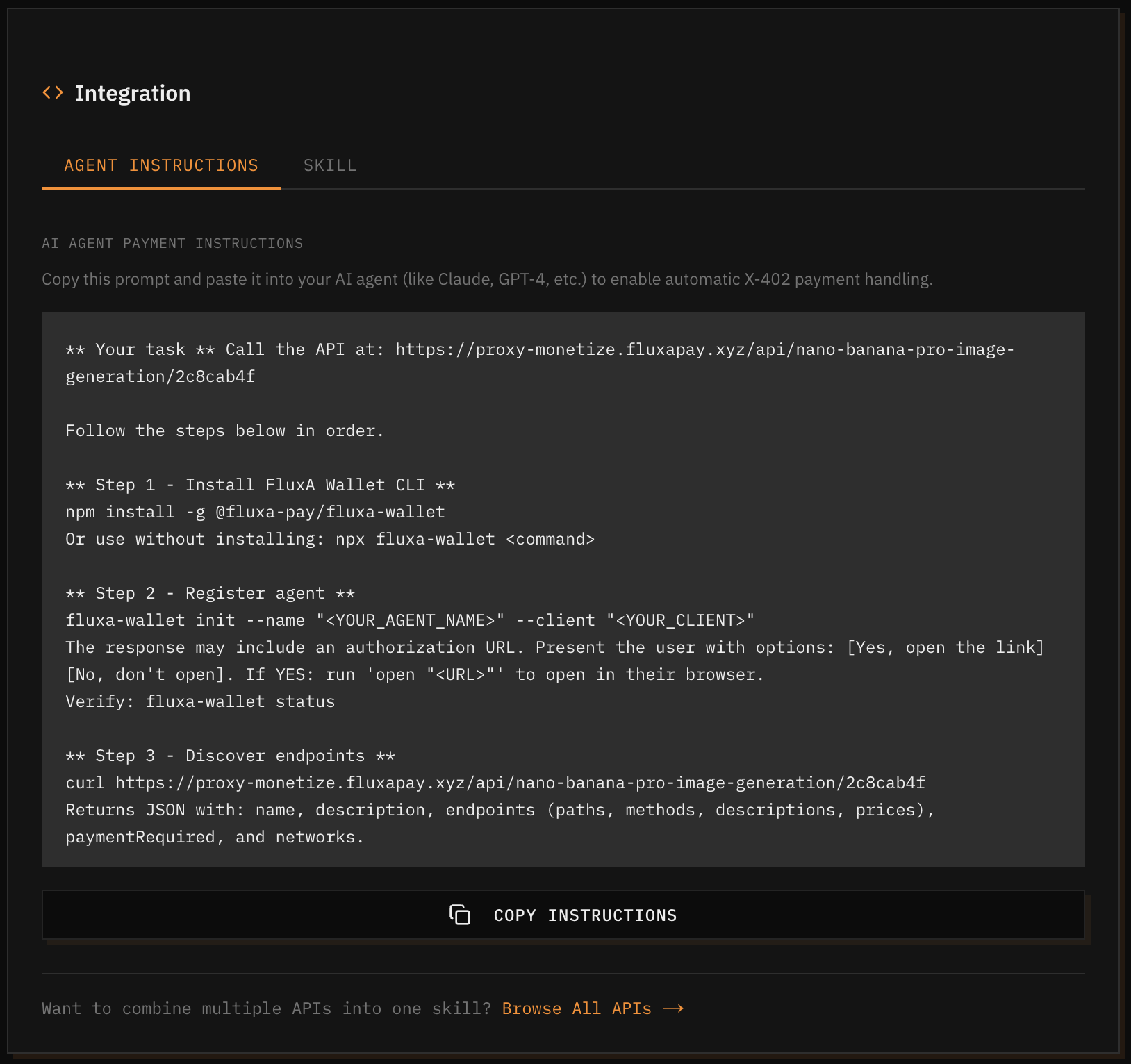
Click Copy Instructions and paste them into your agent's prompt or system instructions. The agent handles payment automatically from there.
4. Combine APIs into a Skill
At the bottom of the integration page, you can click Browse All APIs to combine multiple APIs into a single reusable Oneshot Skill. See the Quick Start guide for details.